What it is
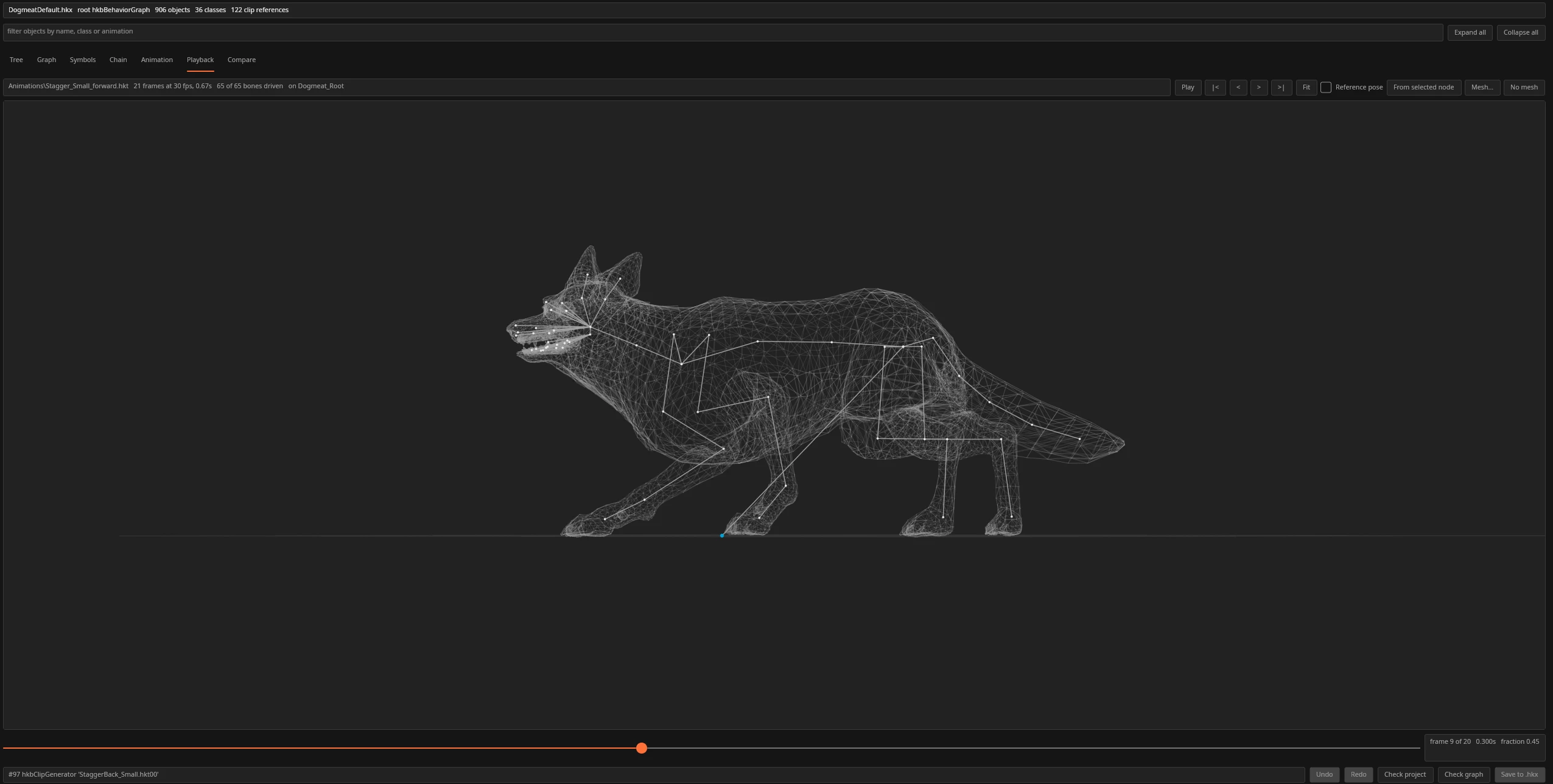
Fallout 4 keeps its animation logic in behaviour files: which clip plays, when, how it blends, and what events fire. Havok never released the authoring tool for this format, and the editors that exist for other games target an older Havok version that won't open a Fallout 4 file. Behavior Graph Studio reads the Fallout 4 format directly, with no Havok Content Tools and no Java runtime needed for most edits.
Guide
A full walkthrough, from opening your first file to saving a verified edit.
Getting Started
Download, run it, and open your first behaviour file, from disk or straight out of a .ba2 archive.
Read →Tree & Graph View
See the whole object graph, filter it, and trace one state’s paths through hundreds of nodes.
Read →Editing Nodes
Edit any field in the properties panel, add new clips and blenders, and reuse shapes as templates.
Read →Symbols & Variables
Add, rename, and bound variables and events without needing a Java runtime.
Read →Saving & Validating
Catch a crash-on-load before it happens, and save with an automatic .bak backup.
Read →.bak file.